Save your first reference
Add a video whose structure you want to learn from.
1 min read
There are two ways to add new references:
A) With the Chrome extension (recommended for Instagram)
- Install the ARC Lab extension from the Extension link in the top nav.
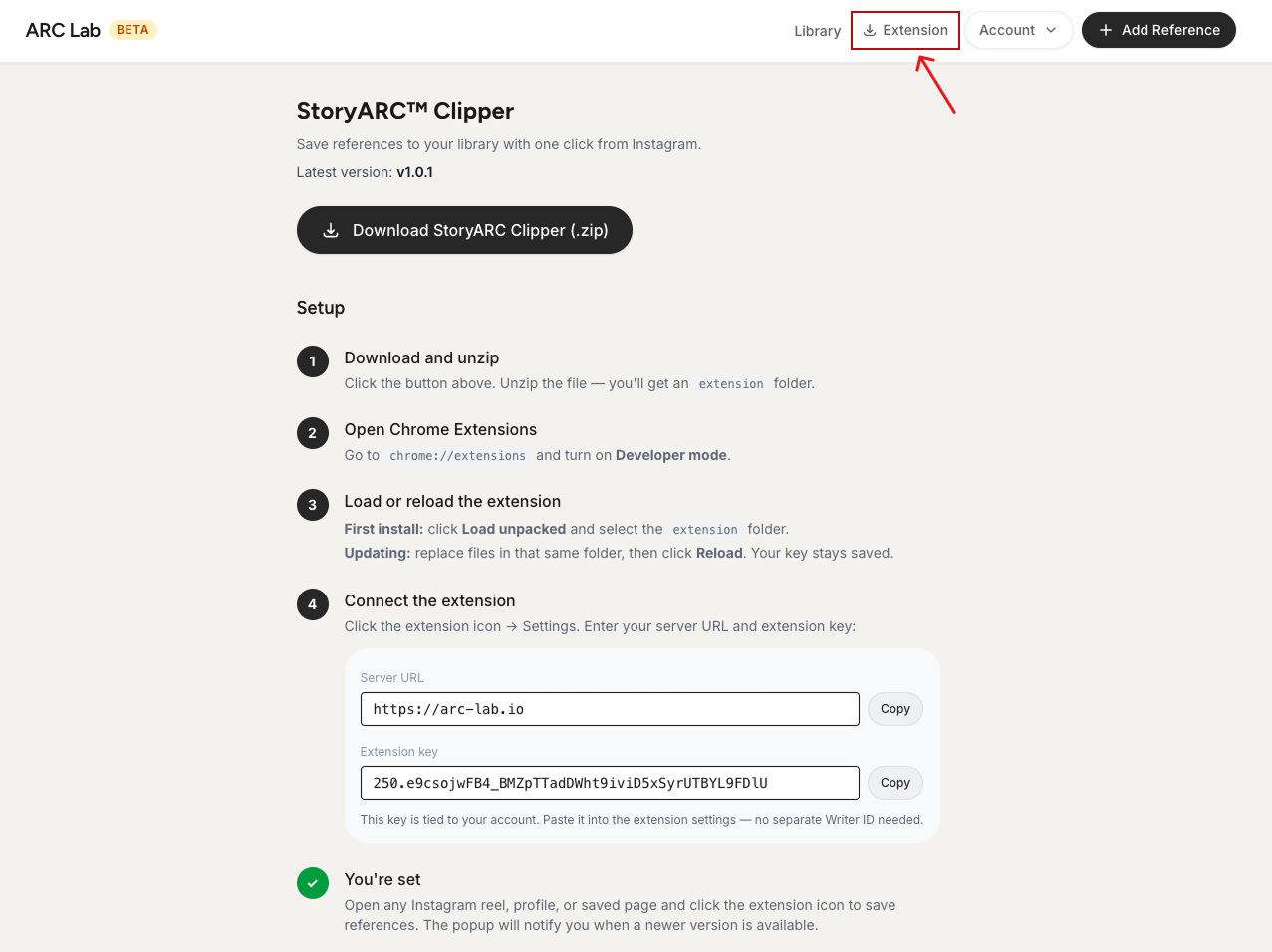
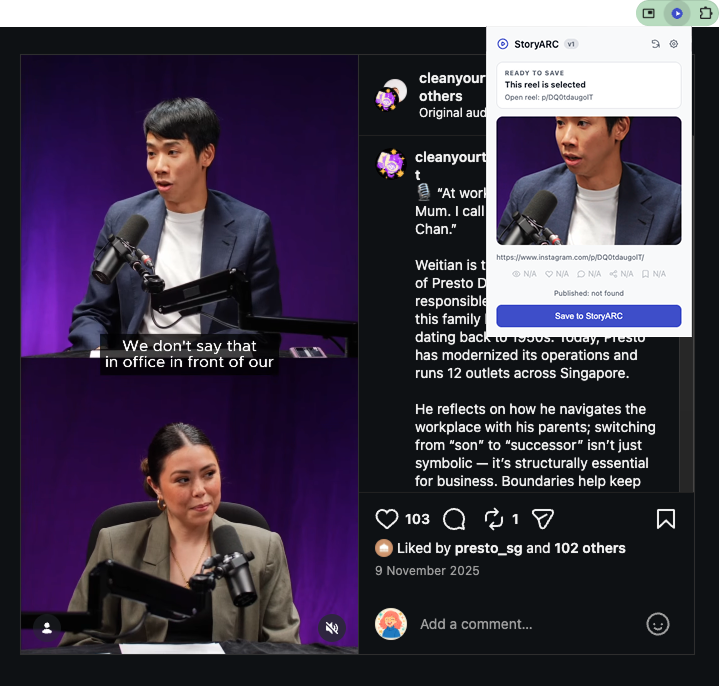
- Open the reel you want on Instagram.
- Click the ARC Lab extension, then Save to StoryARC, it captures the video directly.
B) Add a link manually
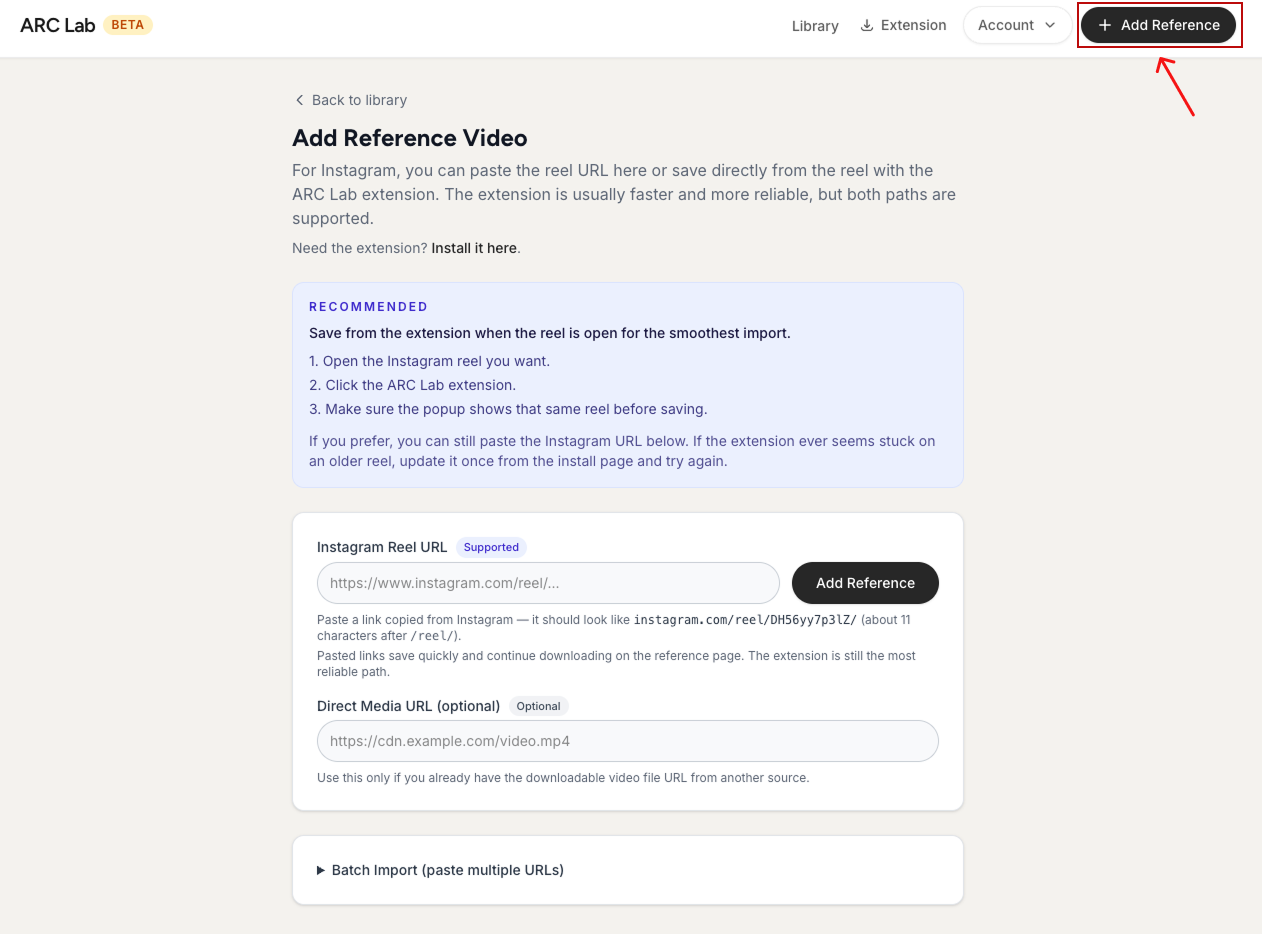
- Click Add Reference in the top nav.
- Paste the video URL (and a direct media URL too, if you have one).
- Click Add Reference.
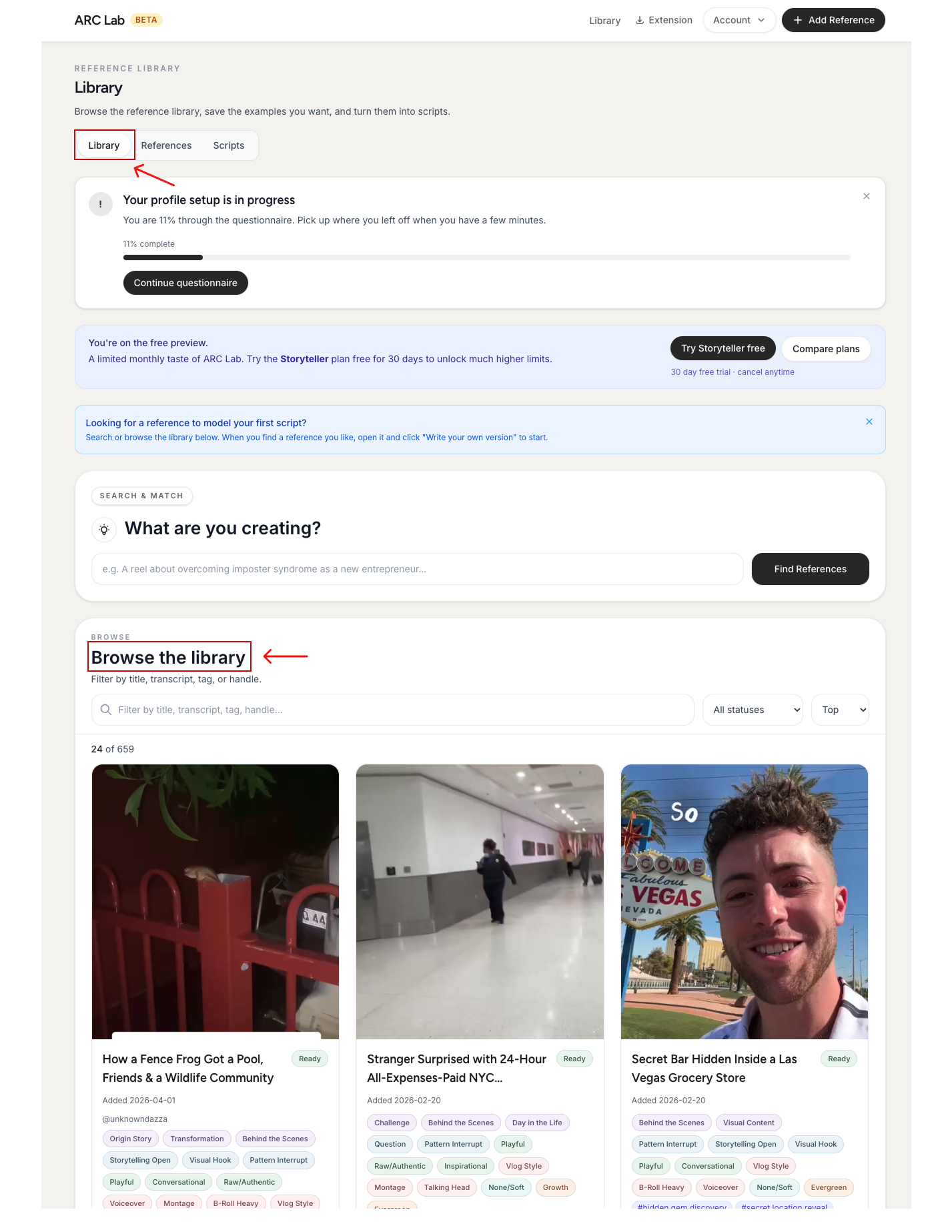
- Don't have your own references yet? Start from the curated library instead: Library → Browse the Library
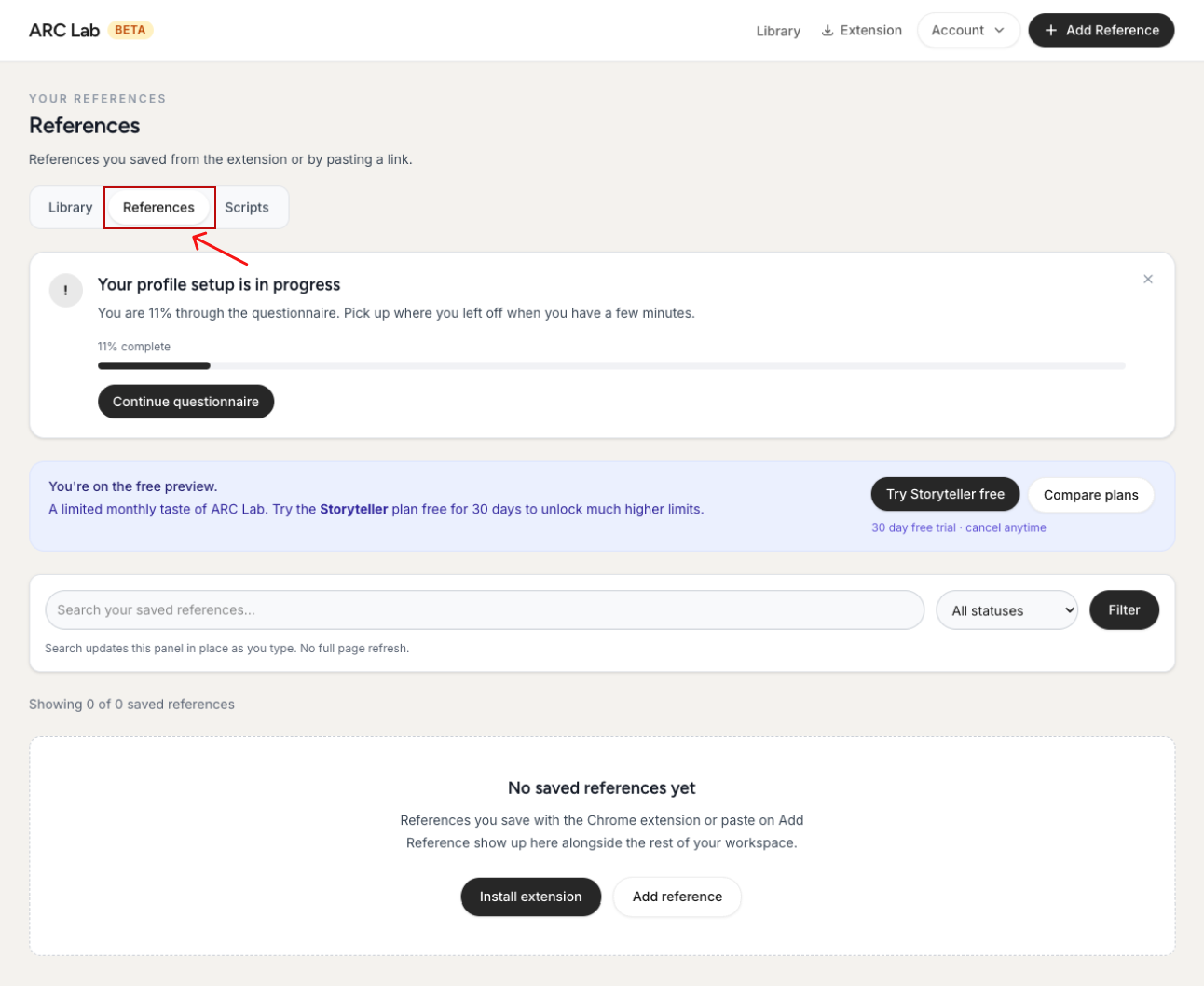
- Saved references appear under References.
Still need a hand? Contact support.